How to disable the automatic power-on feature on a Mac
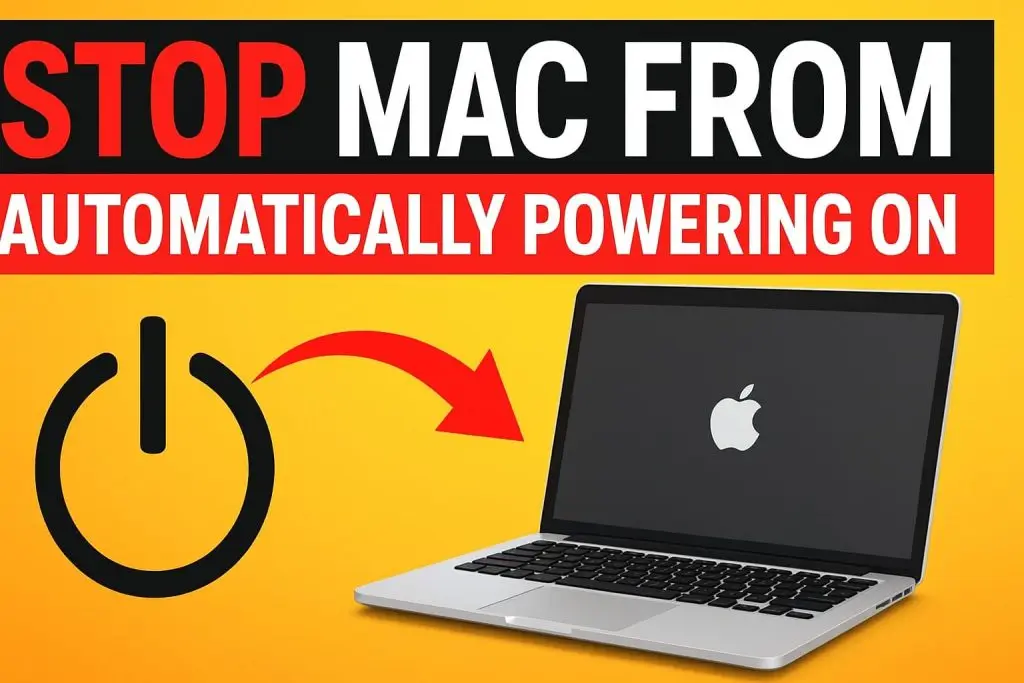
Mac starts up automatically when you open the lid or connect it to power.
Steps:
- Press Command + Space to open Spotlight Search.
- Type Terminal and open the app.
- Enter a This command ().
- Press Enter, then type your Mac password when prompted.
Key Insight:
Once this command is executed, your Mac will no longer power on automatically when you open the lid or plug it in. This gives you more control over when your Mac starts up and can help prevent unintended startups or save battery life.
About The Author